
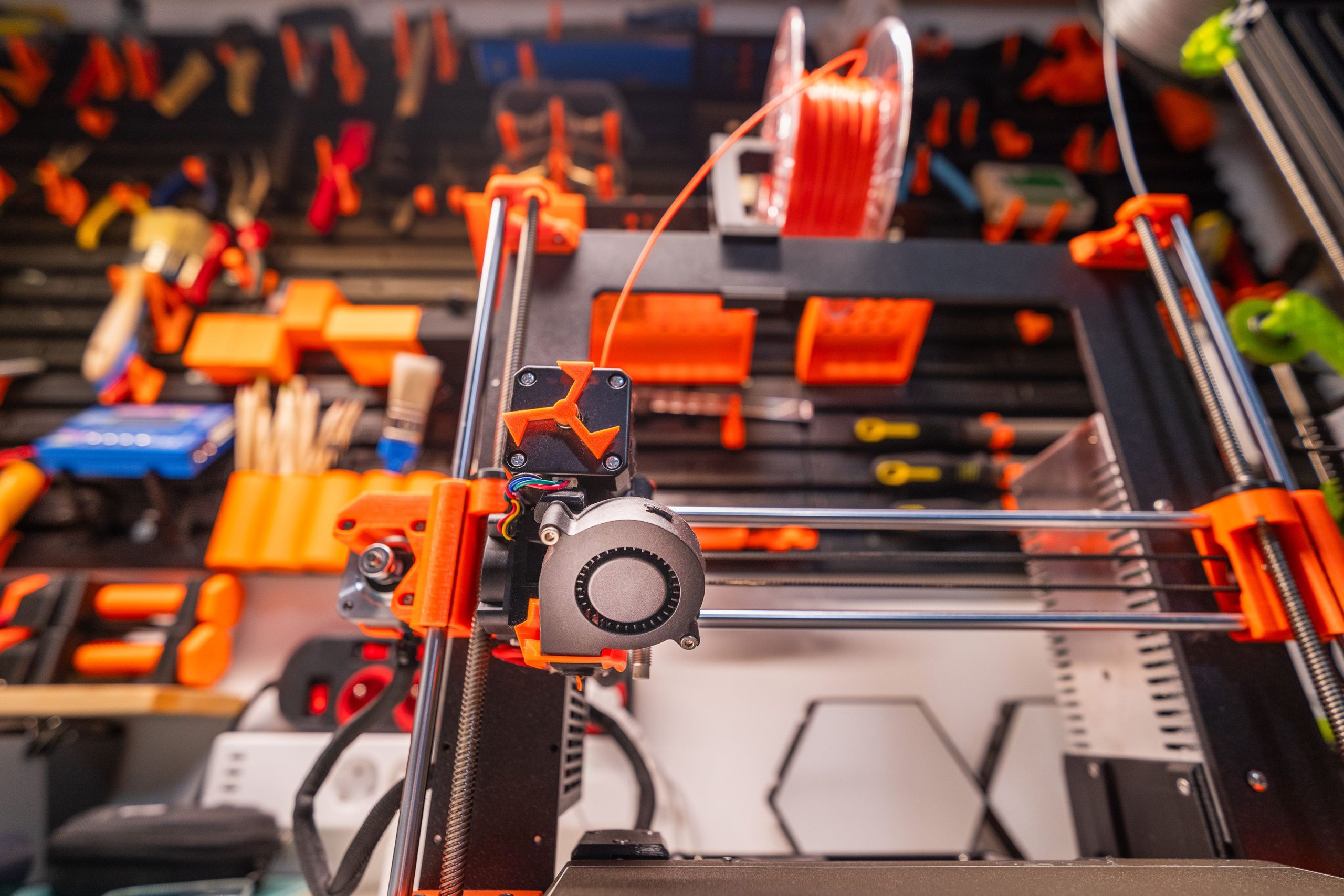
A small 3D printing business can start with one printer, a few rolls of filament and customers who need products that are difficult to find in stores. Custom brackets, replacement parts, personalized gifts and prototypes are all possible products for a home workshop.
However, owning a printer does not guarantee regular sales. A product that takes eight hours to print may earn less than a simpler item finished in 40 minutes. Finding customers who are willing to pay for customization is just as important as choosing the equipment.
Important: Before investing in additional machines, decide which products you want to offer, calculate production costs and test demand with a small selection.
1. Choose a Type of 3D Printing Business That Fits Your Skills
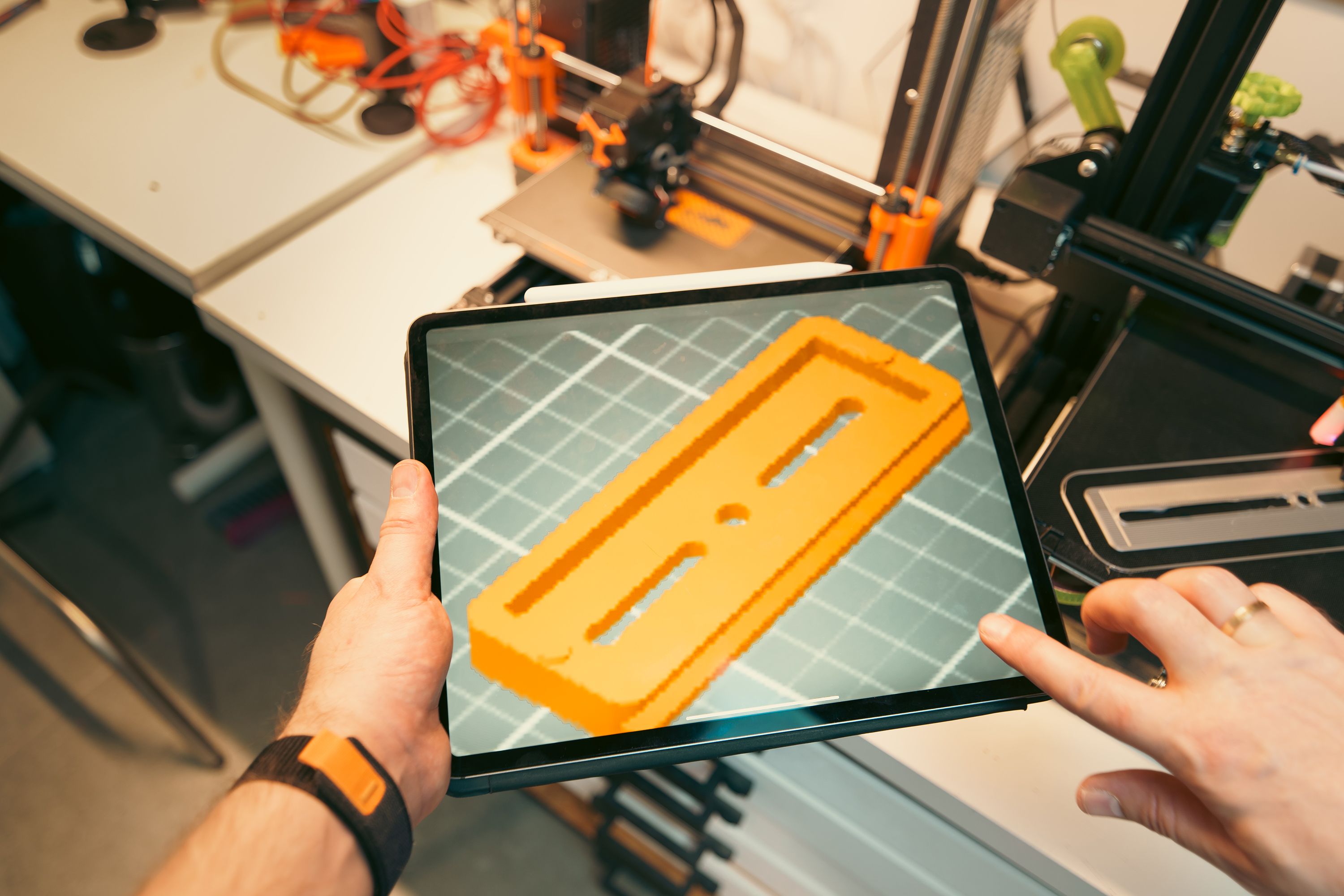
Start by deciding if you want to sell finished products or manufacture items according to customer specifications.
Finished products are easier to photograph and list online. Custom manufacturing requires more communication, but customers may pay for designs made specifically for their needs.
Several product categories are suitable for small operations.
- Personalized gifts. Custom nameplates, keychains, decorative figures and desk accessories.
- Replacement parts. Noncritical handles, covers, clips and discontinued plastic components.
- Business products. Custom display stands, product holders and promotional accessories.
- Prototypes. Physical models that help designers test dimensions and assembly.
- Workshop accessories. Tool organizers, positioning guides and equipment holders.
Focus on items you can produce consistently. Avoid safety-critical automotive parts, medical devices and other applications that require specialized testing or certification unless you have the necessary expertise.
2. Select a 3D Printer Based on the Products You Want to Make
A small desktop printer can manufacture many household accessories and prototypes. Larger objects require more build space, while fine decorative details may benefit from a different printing technology.
Fused filament fabrication, also called FFF or FDM, builds objects by depositing heated plastic filament in layers. Common materials include PLA, PETG and TPU, although compatibility depends on the printer.
Resin printers use liquid photopolymer material and light to produce detailed models. They require additional equipment and procedures for washing, curing and safe resin handling.
For entrepreneurs considering established desktop equipment, prusa 3d printers include compact filament models and larger machines intended for prototypes and functional components. Compare build volume, compatible materials and expected production time before choosing a model.
Important: One printer is enough to test a small business idea. Purchasing several machines before receiving regular orders can leave a large part of your budget tied up in equipment.
3. Learn to Design Products Instead of Only Downloading Files
Many beginners start by printing models downloaded from online libraries. However, customers are more likely to pay for a product that solves their specific problem.
Learning basic computer-aided design, or CAD, allows you to create products according to measurements.
For example, a customer may need a replacement plastic cover for an older appliance. If the part is suitable for 3D printing, you can measure the original, create a digital model and produce a replacement.
FreeCAD and other modeling programs provide tools for creating dimensioned designs.
When downloading existing models, check their licenses. A file being available for free does not automatically mean you have permission to manufacture copies for commercial sale.
4. Calculate How Much Each 3D Printed Product Costs
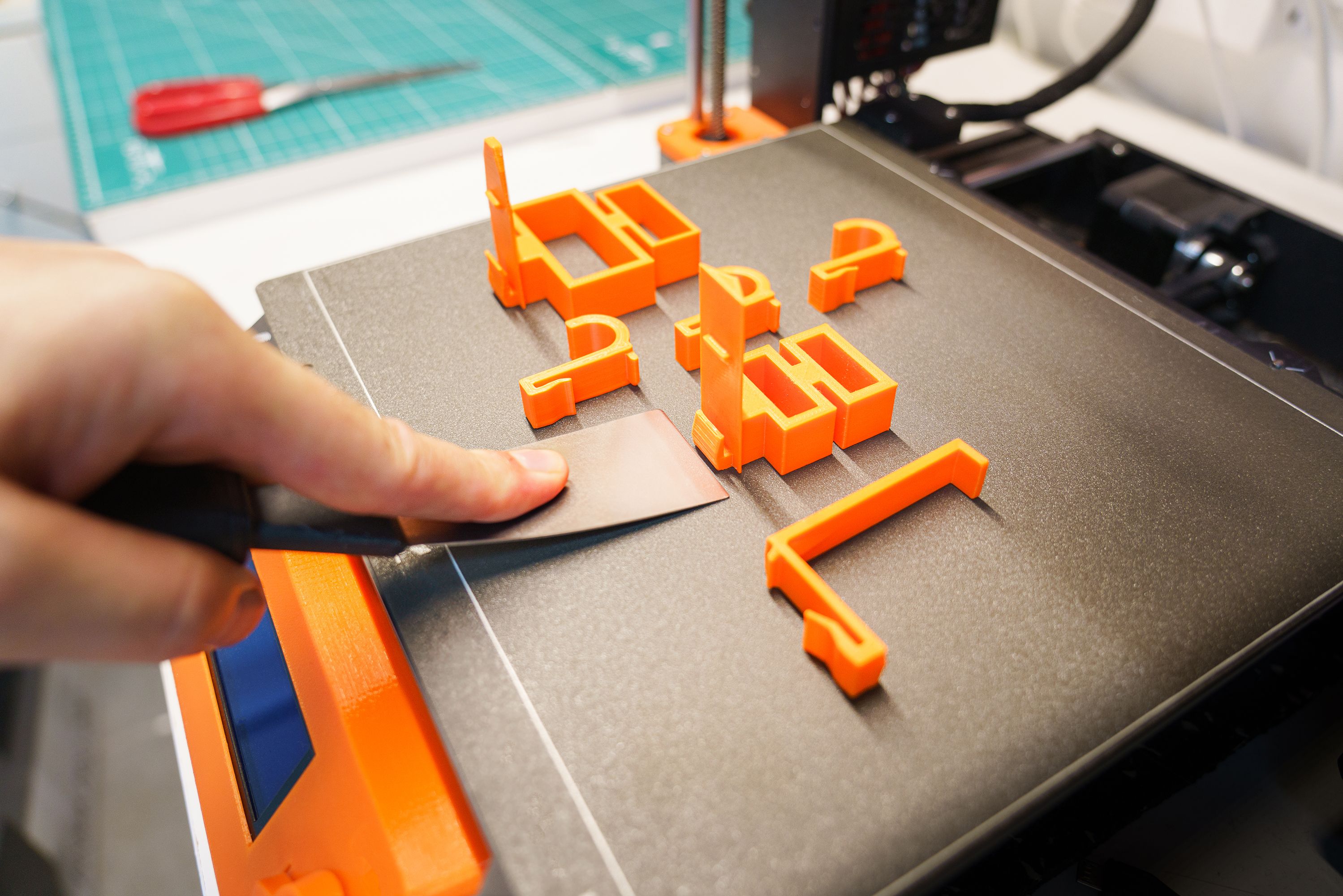
Filament is only one part of the manufacturing cost. You also spend time preparing files, removing supports, checking dimensions and packaging finished products.
According to the Prusa 3D printing cost calculator, businesses can estimate expenses using filament weight, print duration, electricity, labor and machine maintenance.
Consider a hypothetical custom desk organizer produced on a filament printer.
The remaining $15 must still cover selling fees, marketing, taxes and any other business expenses not included in the example.
Failed prints also increase costs. If a printer produces several unusable items, the material and machine time must be included in your pricing calculations.
5. Find Your First Customers Among Local Businesses
Local businesses are worth approaching because they sometimes need small quantities of custom components that are inconvenient to order through traditional manufacturing suppliers.
Potential customers include repair shops, architects, product designers and independent retailers.
For example, a repair business may need an obsolete plastic cover, while a small retailer might purchase customized display stands for its products.
Prepare several physical samples showing different materials and print finishes. Include photographs, dimensions and examples of customization.
Contact businesses with a specific explanation of what you manufacture. A short message offering custom display stands is more useful than a generic claim that you can print anything.
Begin with small orders and provide realistic delivery dates. Repeat customers can eventually provide a steadier workload than occasional individual purchases.
6. Sell Custom 3D Printed Products Online
Online marketplaces allow you to reach customers outside your local area.
Etsy can be suitable for original decorative products and personalized gifts. An independent ecommerce store provides more control over branding and customer relationships.
Use clear photographs of actual printed objects. Show dimensions, available colors and any visible surface texture.
Product descriptions should explain the material and intended use. If an object is decorative rather than suitable for heavy loads or outdoor exposure, state that clearly.
When selling through marketplaces, review their policies on seller-designed products and manufacturing methods.
Tahtonka also covers supply chain planning for small online retailers, including inventory management, shipping and handling returns.
7. Offer Custom Printing Services to People Who Already Have Designs
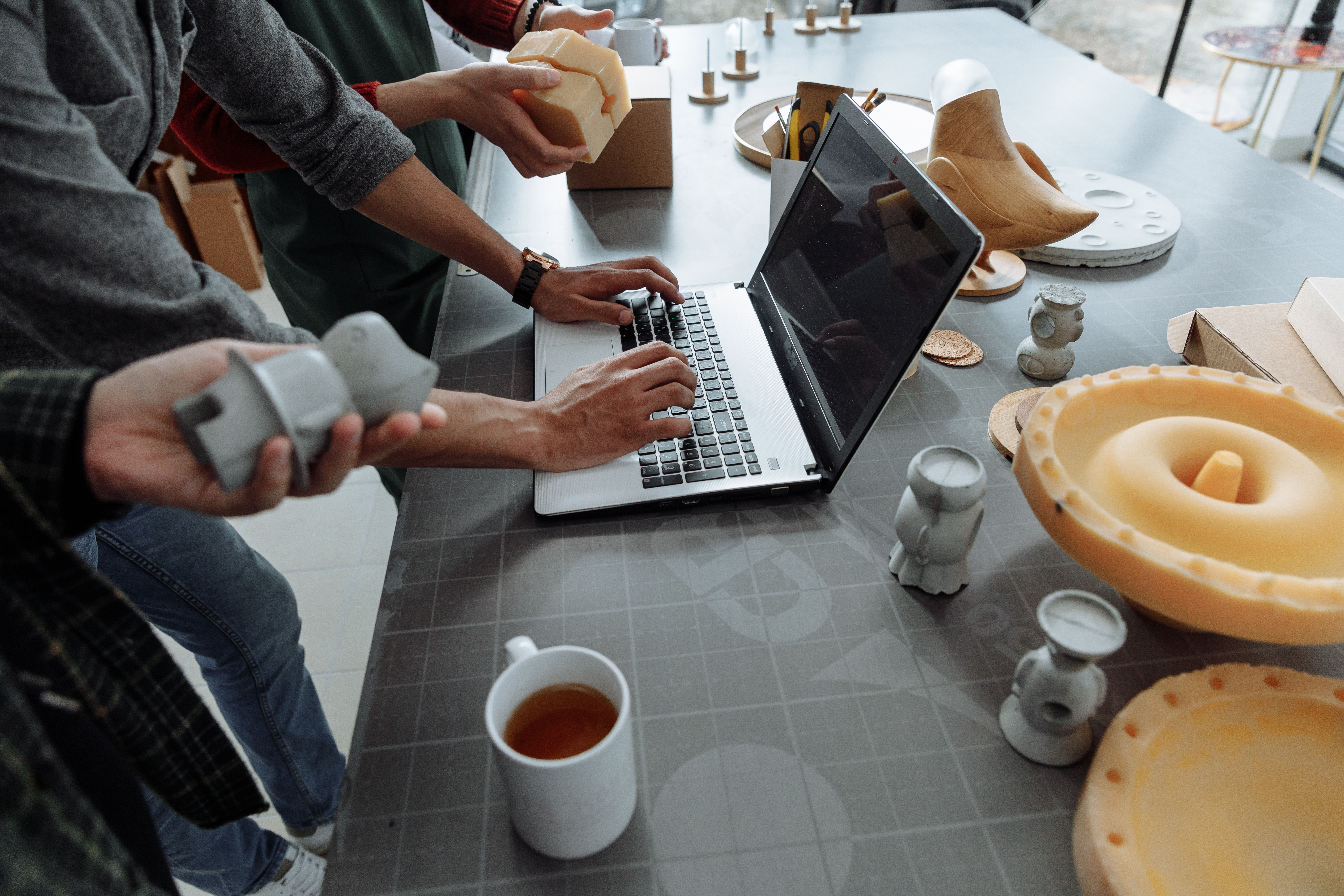
Not every customer needs design work. Some already have a finished 3D model but lack the equipment to manufacture it.
You can accept compatible digital files, review their dimensions and provide a quotation based on material, print time and finishing.
Ask customers to specify the intended use and any important dimensional requirements.
Before accepting an order, check if the model fits your printer and if the requested material is suitable for the application.
The Prusa Knowledge Base explains how slicing software can estimate printing time and material consumption before manufacturing begins.
For custom orders, charge separately for substantial design changes. Otherwise, several hours of modeling work can reduce the earnings from a small print.
8. Calculate How Many Orders You Need Each Month
Knowing your production cost helps you set prices. Calculating the break-even point shows how many sales you need to cover recurring business expenses.
Suppose your monthly fixed expenses are $300 and each completed order generates $15 after variable costs.
Break-even orders = $300 ÷ $15 = 20 orders
You would need 20 orders per month to cover those fixed expenses under the stated assumptions.
The U.S. Small Business Administration break-even calculator uses the difference between selling price and variable costs to calculate the required number of sales.
Important: Remember that 20 orders can involve very different workloads. Twenty small keychains may take less production time than several large prototypes.
9. Manage Production Time and Customer Deadlines
One printer can handle only a limited amount of production. A model requiring eight hours to finish occupies the machine even if you spend just a few minutes preparing it.
Keep a record of the estimated and actual print times for each order.
Build additional time into delivery estimates for failed prints, machine maintenance and finishing work.
Inspect completed items before shipping. Check dimensions, layer adhesion and visible defects according to the intended use.
As orders increase, identify the products that generate the most earnings relative to machine time. Those figures can help determine if additional equipment would be financially justified.
10. Protect Your Business Against Common Production Problems

A damaged print bed, blocked nozzle or failed component can interrupt several customer orders.
Keep commonly needed replacement parts and materials available according to the printer manufacturer instructions.
Maintain adequate ventilation, follow equipment safety procedures and store filament according to its material requirements.
Customer communication is equally important. If an order fails and delivery will be delayed, explain the revised schedule promptly.
For businesses handling customized products, obtain written approval of names, dimensions and artwork before manufacturing begins.
Build a Small Customer Base Before Expanding Your Workshop
A 3D printing business does not need a room full of machines to begin selling products. One suitable printer, basic design skills and a focused selection of services can support an initial operation.
Start with products you can manufacture reliably, calculate the complete cost of each order and approach customers who have specific needs.
Once regular sales cover operating expenses, use production records and customer demand to decide which equipment or services to add next.